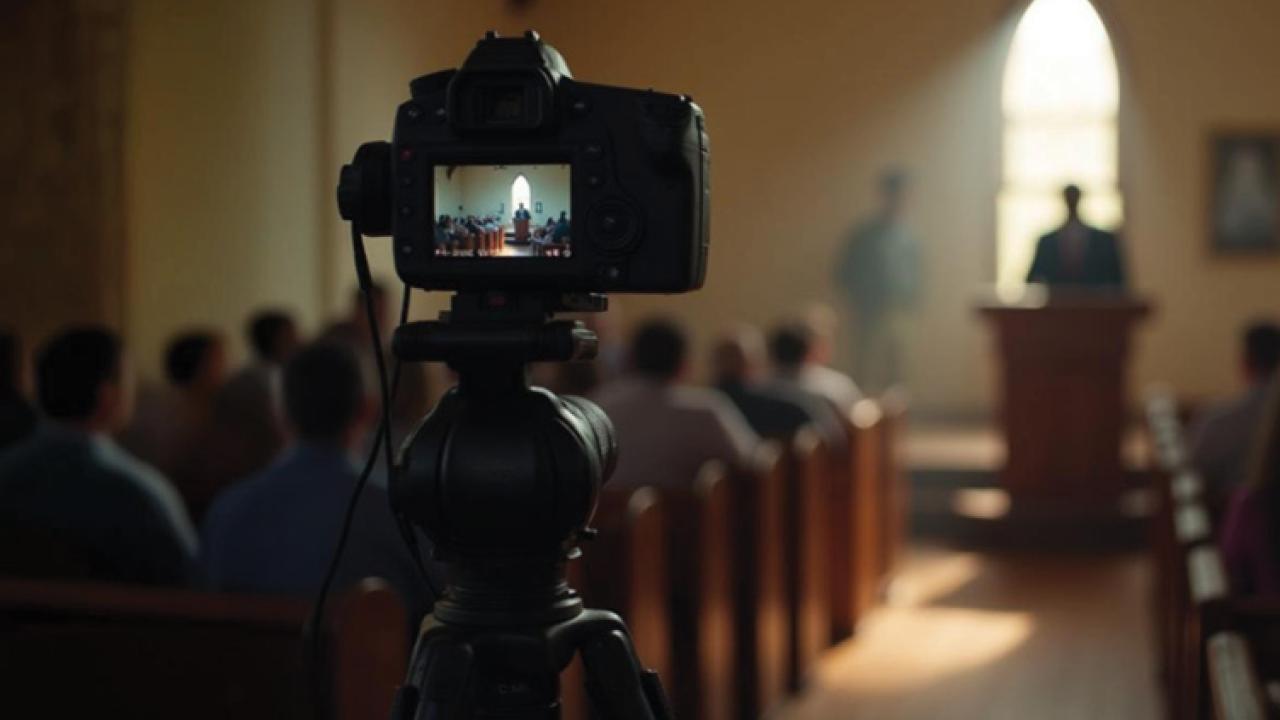
Worship leaders put so much time and intentionality into things like liturgy, sermons, and prayers. But if your church isn't intentional about audio accessibility, a good portion of your congregation may miss what’s being said.
According to the Hearing Loss Association of America, about 1 in 7 Americans have some degree of hearing loss (which includes people born with reduced hearing). This is likely true in your church, too. It’s the third most common chronic physical condition in the United States.
Hearing loss affects people of all ages, and prevalence increases with age. Often it is a nonapparent disability, which means you often can’t tell that someone has it. Mild to moderate hearing loss often goes undiagnosed and untreated, so we can’t assume everyone who is hard of hearing in our congregation has hearing devices like hearing aids or cochlear implant processors.
What Technology Should Churches Consider?
There’s a myth that hearing aids are so much better now that churches no longer need to invest in systems to help people who are hard of hearing. While it may be true that some people with newer hearing aids can hear without additional technology, it is not enough for many. According to Audiologist Dr.Juliëtte Sterkens from the Center for Hearing Access, this is “a confusing moment” for hearing device users and public places looking to provide audio access for them.
For years, installing a hearing loop in a sanctuary floor or ceiling has been the recommended approach for churches. Hearing loop installations are most prevalent in the Midwest, and in pockets around the country. Loops allow hearing device users with a built-in telecoil to easily get the sound system directly into their device. People used to hearing loops will likely want to use them for years to come, since they're easy to use and work well. Sterkens’ recommendation to churches who have a hearing loop: “Keep it, don’t remove it! Keep up on maintenance if it’s broken.” In other areas of the United States, FM Systems are used more frequently. These systems require users to pick up a receiver with headphones. Receivers can work with the telecoil via a neckloop, which functions like a personal loop system. They are more complicated for both users and churches and are more likely to get lost or broken. Some AV engineers have recommended an Audio-via-WiFi system to churches. However, these systems suffer from problems with significant delays and are difficult for the typical churchgoer to use. The Center for Hearing Access discourages installing audio-over-WiFi systems.
An emerging technology that is expected to replace FM systems today and hearing loops in the next decade is called Auracast. It links to hearing devices with Auracast capability by having users log into an Auracast app or their hearing aid app when they arrive at the venue. Auracast uses a transmitter, similar to Wi-Fi, and does not require infrastructure changes within a space. Those without Auracast capabilities in a device can use a receiver plus neckloop, similar to FM system neckloops, or headphones equipped with Auracast technology. Users can also utilize their own Auracast-compatible wireless earbuds, although Apple phones and iPods are not yet compatible. Sterkens suggests that churches that invest in Auracast appoint someone to assist and train users, provide educational handouts, and include an occasional bulletin insert. While Auracast is likely the future for audio accessibility, most hearing devices and headphones do not yet have Auracast capability built in, so the number of users is limited. The neckloop receivers are more expensive than the typical hearing loop or FM receiver so that poses an additional challenge. “The demand is coming, but not yet from consumers,” Sterkens says.
Sterkens advises churches who are just starting this conversation to invest in Auracast. Churches who have been using a hearing loop could wait to invest in Auracast. Many hearing instruments currently sold are both hearing loop and Auracast compatible, though not all. She anticipates many years ahead when users will use both hearing loop/neckloop technology and Auracast, so having both will be ideal.
Whether a church is looking to install Auracast or repair a loop system, Sterkens warns, “Do not try to do it yourself!” Not all AV professionals specialize in assistive technology. The Center for Hearing Access maintains a list of trained hearing loop installers, many of whom are adding Auracast to their skill set. https://centerforhearingaccess.org/installers/
Whatever assistive listening devices a church offers, it’s essential to communicate thoughtfully what's available and who to contact for help. Signs at the building and sanctuary entrances, plus a permanent “Hear Here!” reminder in the bulletin, can help new hearing aid users and visitors. Don’t forget to add a “Hearing Accessibility” section online.
Hearing Device Users
As for hearing device users, Sterkens recommends they self-advocate for devices that incorporate both T-coils and Auracast capability since different public places will have one or the other. She mentioned that some audiologists are excited about Auracast and telling people not to get T-coils, but the reality is that it will take many years for Auracast to be widely implemented in public venues, so having a T-coil is still highly beneficial. If someone has a hearing device, they may not know it has a T-coil or Auracast capability; in some cases, their device may support Auracast, but it was never activated. Hearing device users can contact their audiologist to better understand if their device has a T-coil and/or Auracast capability or visit www.CenterforHearingAccess.org
Other Helpful Technology
When you create a video, it’s best practice to always integrate captions. Intentionally turning on captions when you show a video to a group or in a worship service, or when livestreaming services to another space in church is hospitable to people with hearing loss, as well as English language learners and others.
Historically, access to live captions at an event was quite limited, but thanks to growing technology and demand, many of us carry a live-captioning tool in our pocket everywhere we go! Apps like Otter or the live captions on an iPhone or Android provide captions for what's being said in real time. For online worshippers, PowerPoint, Zoom, Google Meet, and YouTube all have live captions that are easy to turn on. I’ve seen Zoom live captions on a screen up front during an event, or on a TV in a meeting room. Accuracy continues to improve, but remember live captions aren't always accurate. For example, they usually do a poor job capturing the words of people with speech differences and non-professional speakers, so it's best not to use captions in that case.
Resources
- For a comparison of all types of assistive listening systems, see https://centerforhearingaccess.org/comparison/
- Articles from Audiologist Juliëtte Sterkens
- Hearing Loss Association of America